
New to AppAudit? Start here
AppAudit Overview
This video introduces AppAudit from the ground up: what it is, why I built it, and what it can do for any Mac user who wants to understand and manage the software on their machine. It's the best place to start before diving into the individual feature walkthroughs.

AppAudit Feature Walkthroughs
Want to understand more about AppAudit features?
These videos provide a walkthrough of the app!
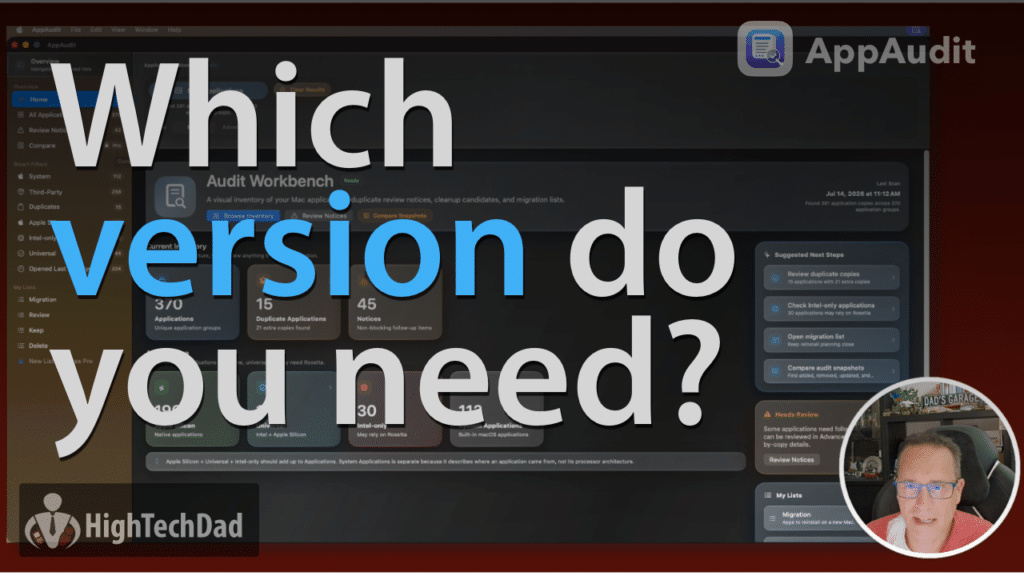
Understanding AppAudit Licenses
Free, Pro, and Consultant editions explained
AppAudit comes in three editions to fit different needs and budgets. The Free version gives you solid core auditing functionality right out of the box, while Pro unlocks advanced tools like workspace comparison and export snapshots. The Consultant edition is built for IT professionals who manage multiple Macs.
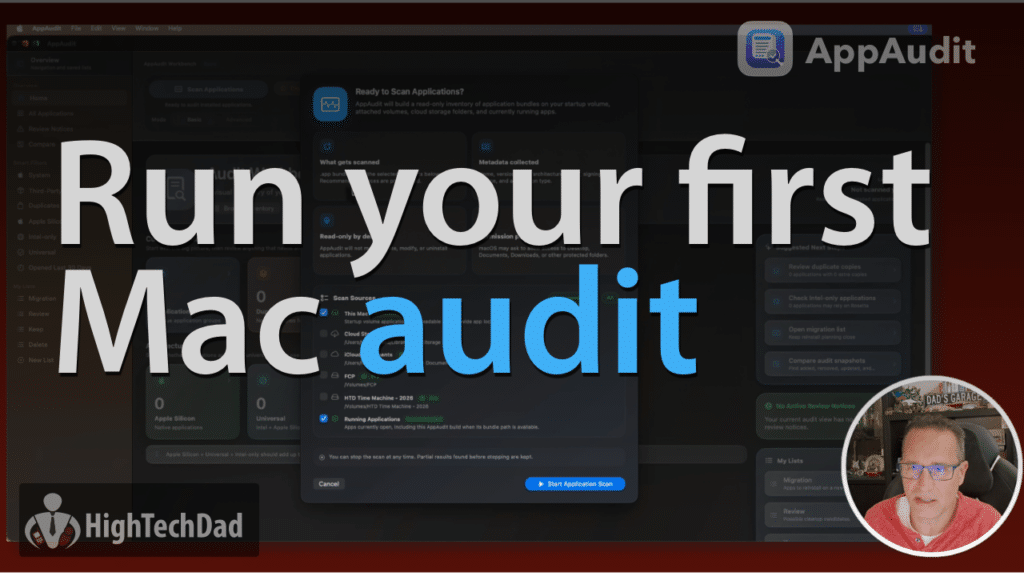
Getting Started with AppAudit
From download to your first app scan in minutes
This walkthrough covers everything you need to get AppAudit installed and running on your Mac. You’ll learn how to activate your license, run your first scan, and start exploring what’s actually installed on your machine.
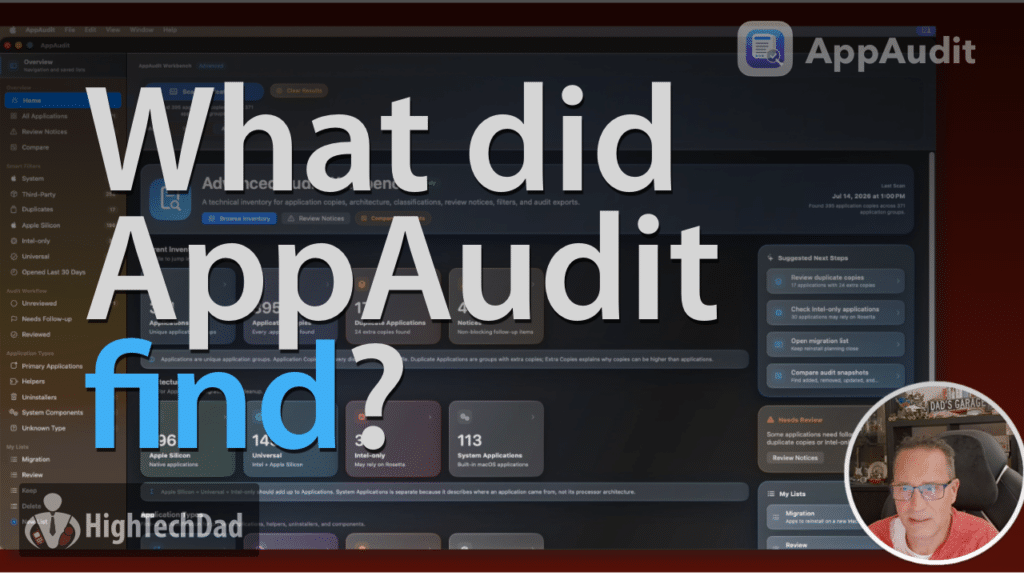
The Audit Workbench
Your command center for Mac app management
The Audit Workbench is the main hub where everything comes together. This video walks through the dashboard layout, the app inventory summary, the architecture breakdown tiles, and the tools you’ll reach for most as you work through your audit.
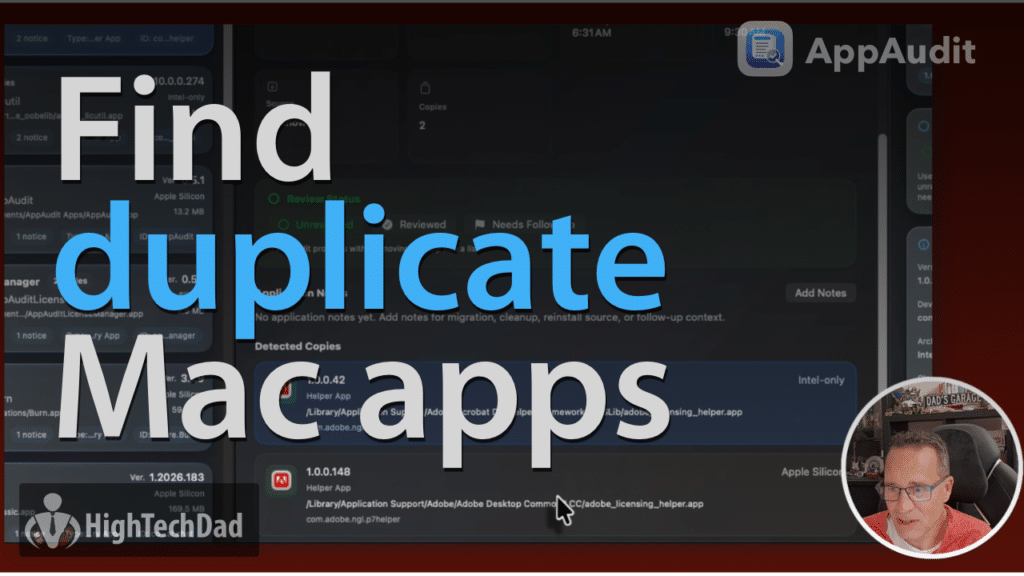
Finding Duplicate Apps
Spot and clean up redundant copies on your Mac
Having multiple versions of the same app installed is more common than you’d think, especially after migrations or OS updates. This video shows how AppAudit identifies duplicate apps so you can decide what to keep, what to remove, and what might be worth a closer look
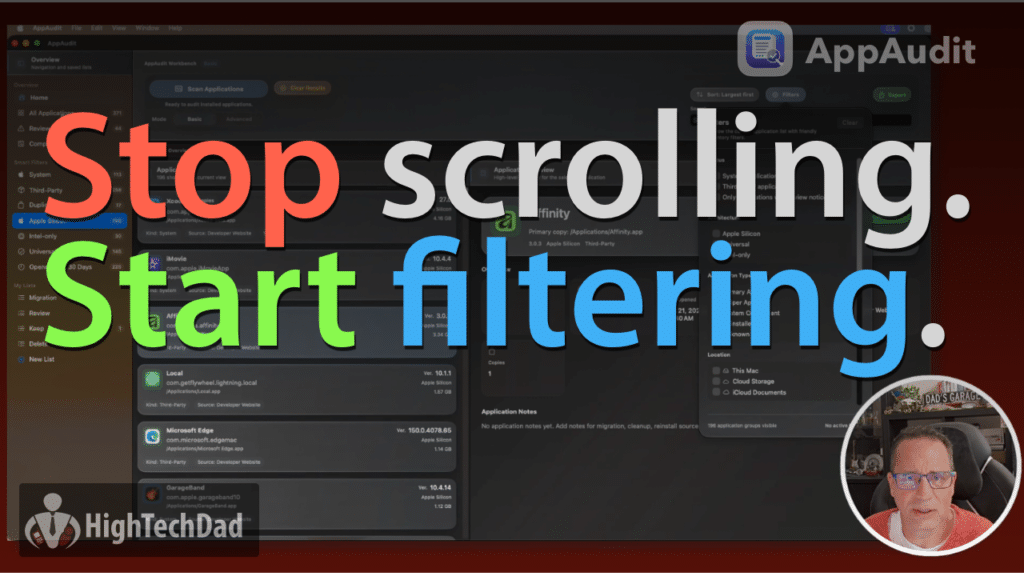
Search, Sort, and Filter
Zero in on exactly the apps you're looking for
When you have hundreds of apps installed, being able to search, sort, and filter is what makes an audit actually usable. This video shows how to slice through your app inventory by name, architecture, size, last opened date, and more, so you can find what matters fast.
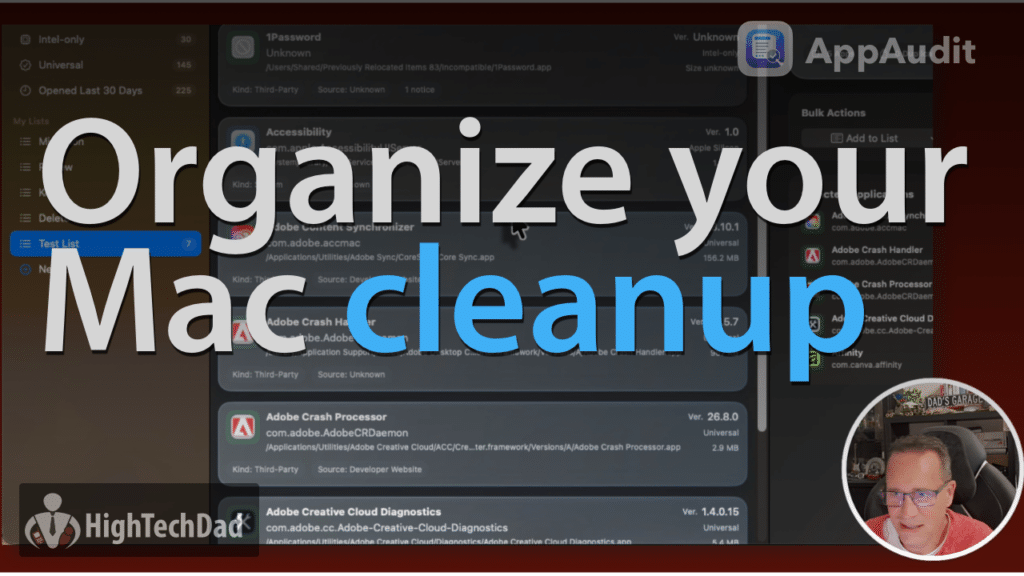
Notes, Lists, and Workflow
Organize your audit with built-in annotation tools
AppAudit lets you add notes to individual apps and group them into custom lists. This video shows how to use those tools to build a real working audit workflow, whether you’re doing a cleanup pass, flagging apps for review, or preparing for a Mac migration.
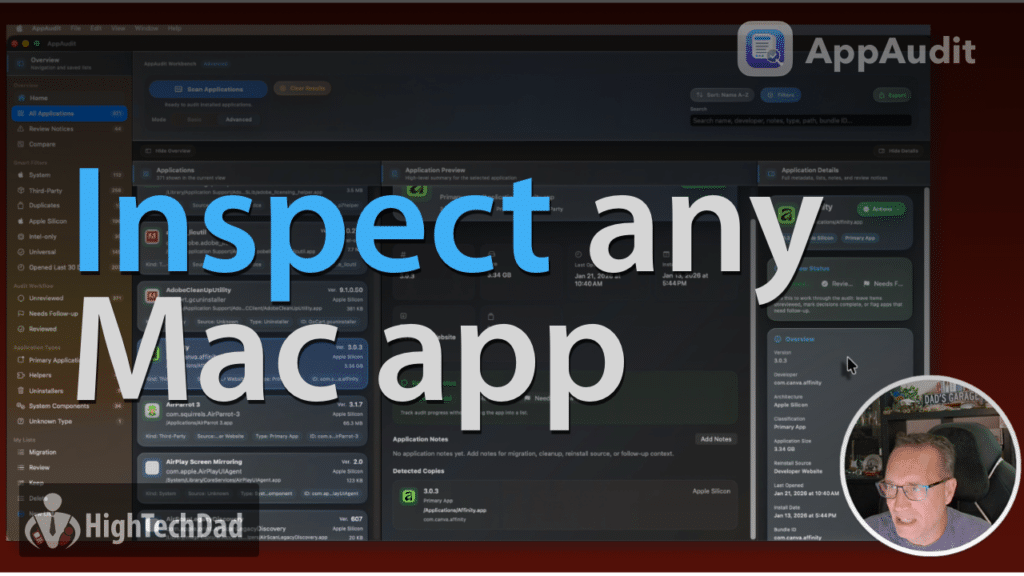
App Details Inspector
Dig into what AppAudit knows about each app
Selecting any app in AppAudit opens a detailed inspector panel that shows its architecture, version, install location, file size, last opened date, and more. This video walks through everything the inspector surfaces and how to use that information to make informed decisions about your software.
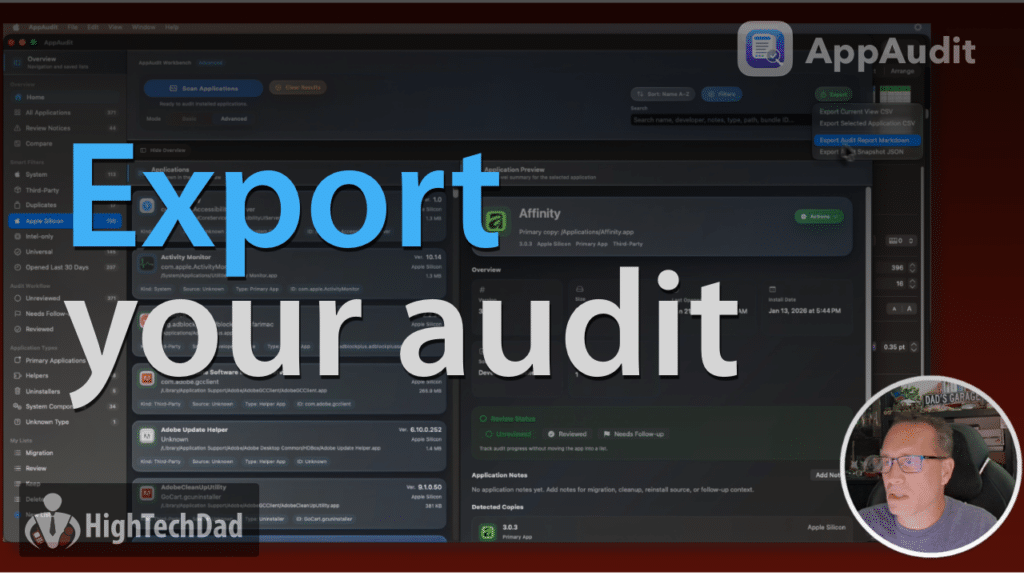
Exporting Your Audit (PRO)
Save your app inventory as a portable snapshot
AppAudit can export your audit results as a JSON snapshot file that you can save, archive, or use for future comparisons. This video covers the export options available in the Pro version and shows how the snapshot format works so you know exactly what you’re saving.
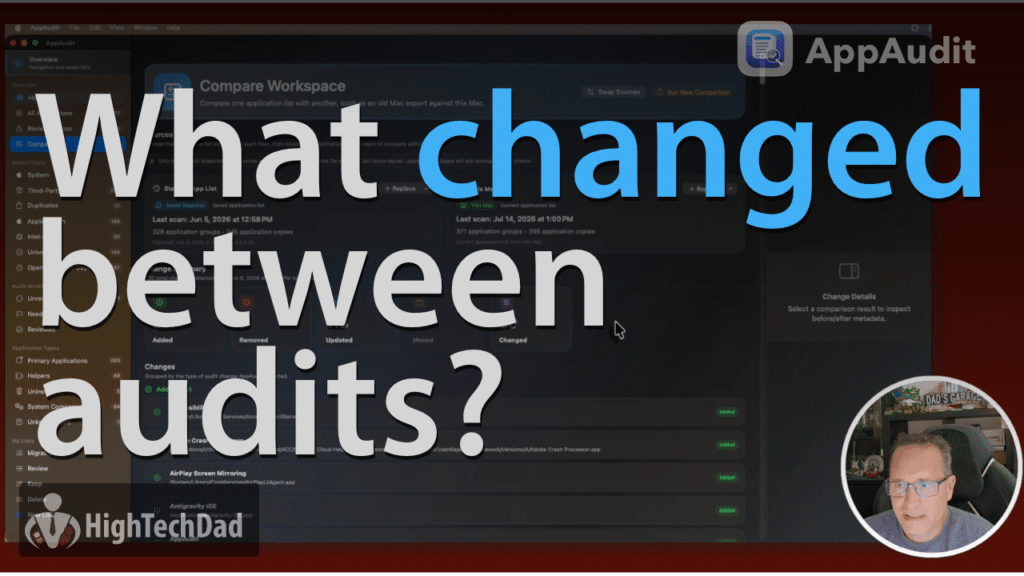
Compare Workspaces (PRO)
See what changed between two Mac audits
Compare Workspaces is a Pro-only feature that lets you load two audit snapshots side by side and see what was added, removed, updated, or moved between them. It’s especially useful for tracking changes after an OS update or comparing an old Mac to a new one during a migration.
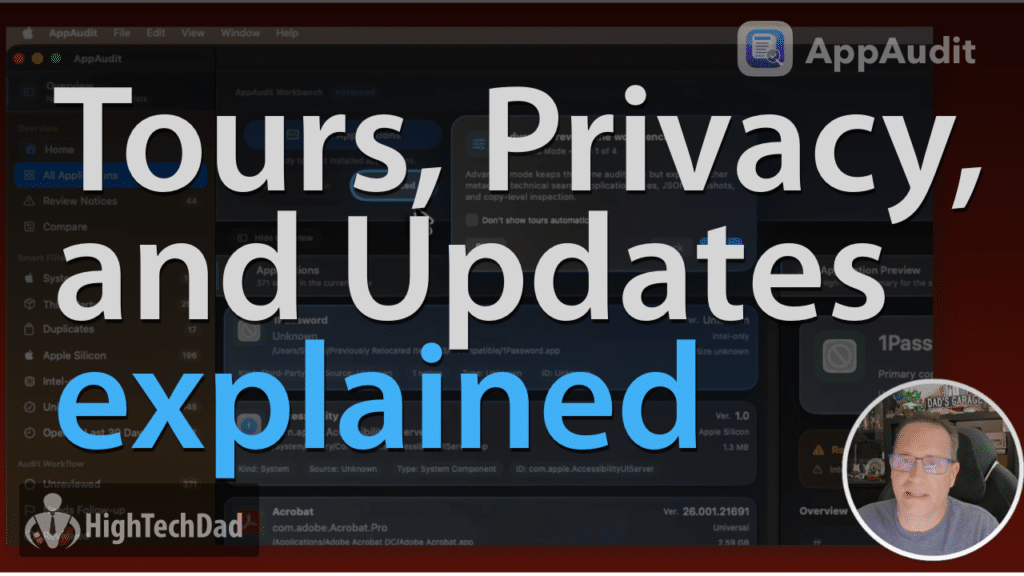
Help, Tours, Privacy & Updates
Built-in guidance and how AppAudit stays current
This video covers AppAudit’s built-in help system, guided feature tours, and use-case walkthroughs that help new users get oriented quickly. It also explains how update checking works; AppAudit only contacts the internet when you manually trigger it, with no background data collection.


Try it yourself
Start with AppAudit Free and see what’s really installed on your Mac
If you have ever wanted a clearer way to review the apps on your Mac before cleanup, migration, or reinstall decisions, AppAudit was built for exactly that kind of workflow.